 PowerDown





Timer & scheduler · Windows · macOS · Linux
Schedule the dark.
PowerDown turns your computer off on a countdown or at an exact date and time. Set it, close the window, and get on with your night — it waits in the tray and shuts down on cue.
A look inside
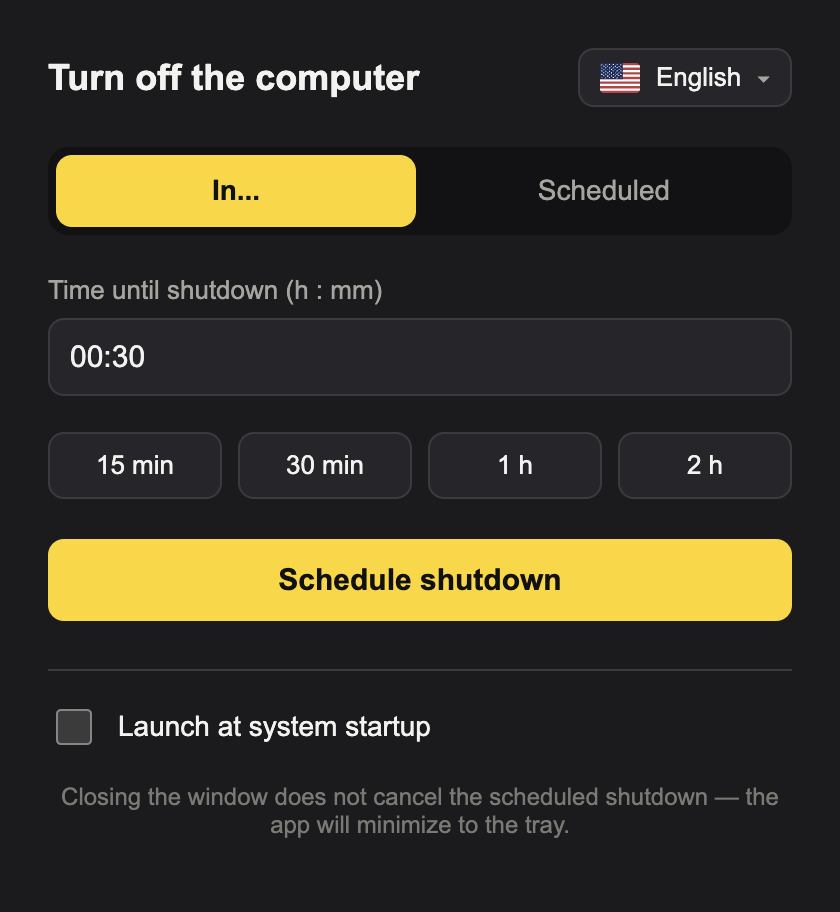
Small window, everything at hand.
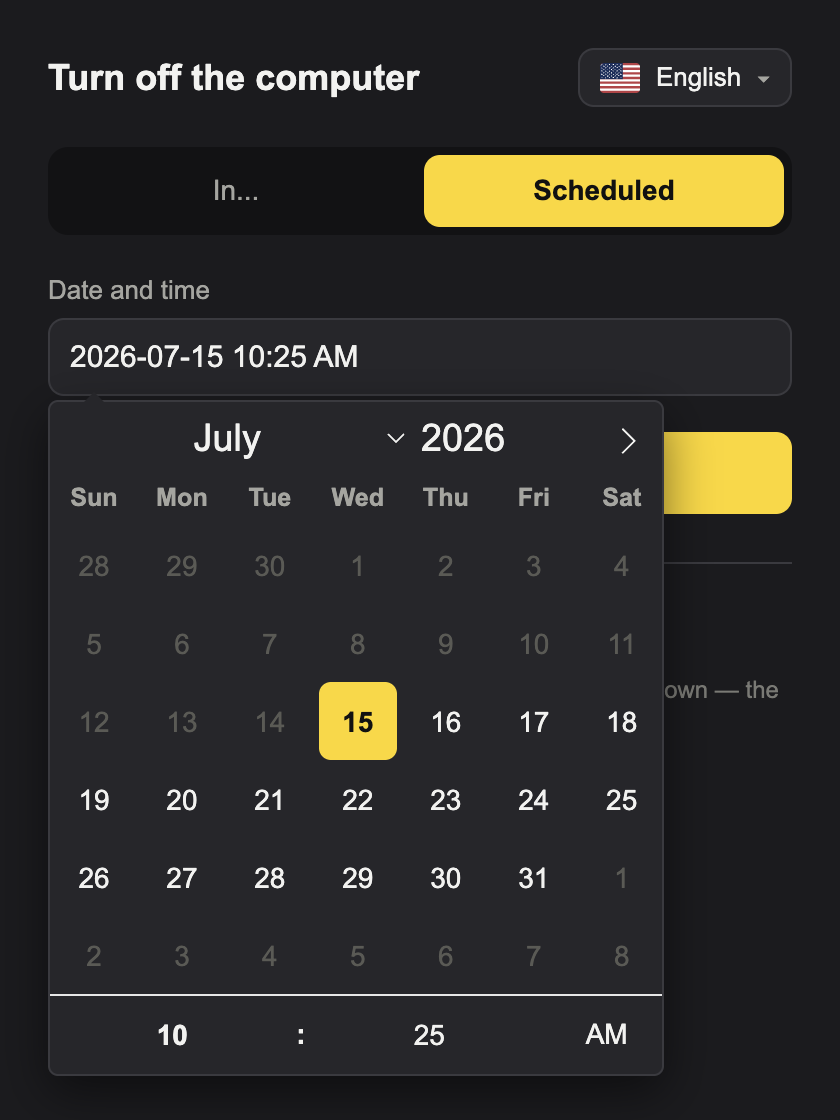
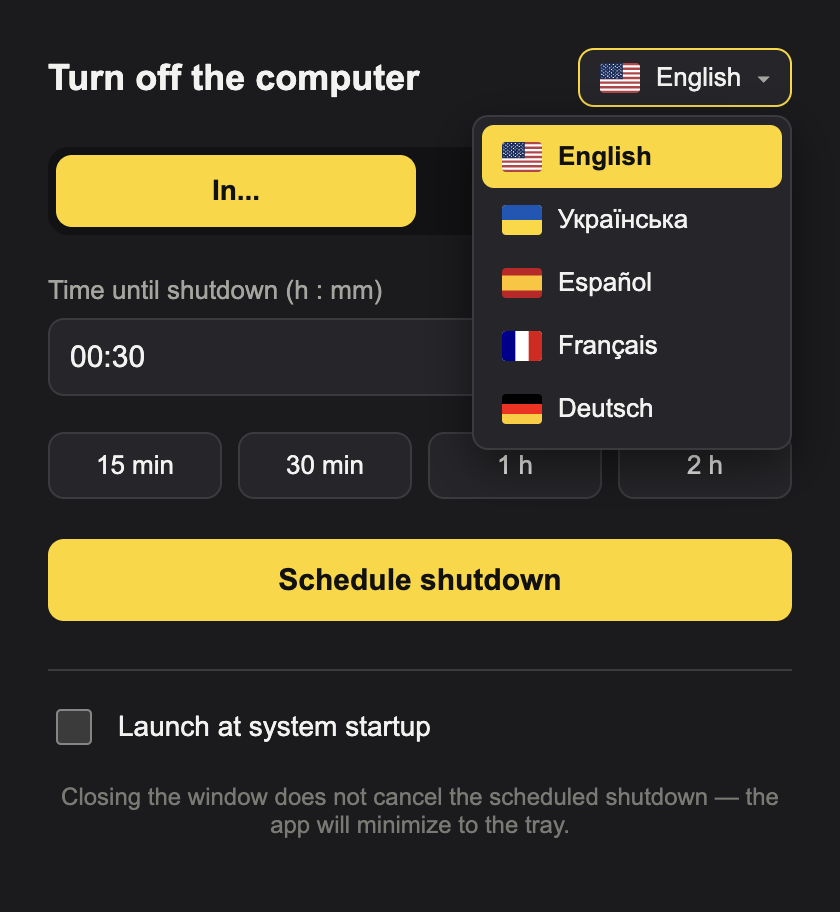
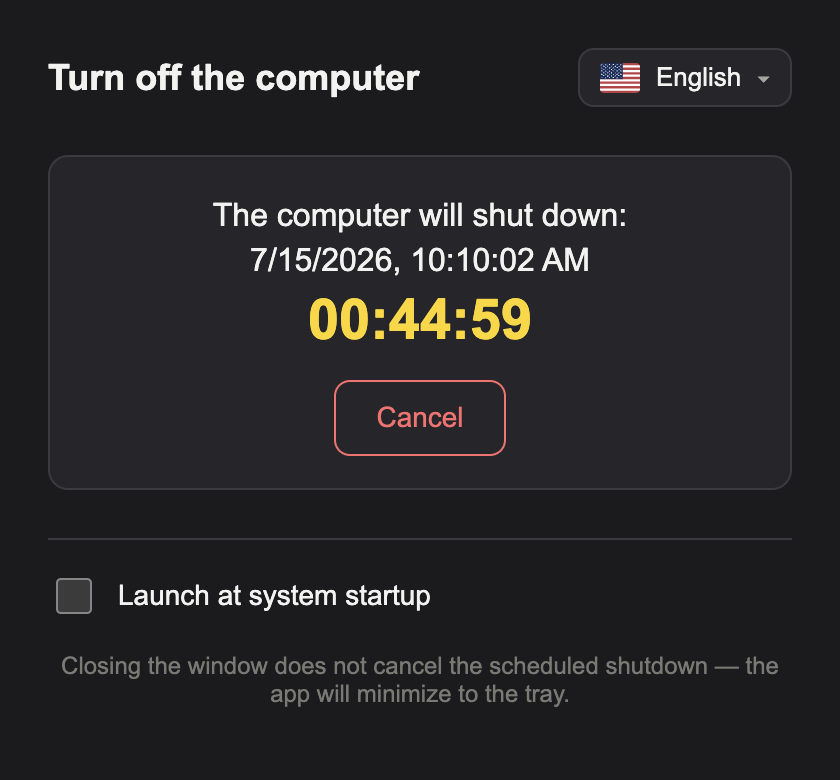
One compact window, two ways to schedule, five languages. The window sizes itself to what's on screen — and grows only while the calendar is open.
What's inside
Built to be boring in the best way.
It does one job and does it precisely, on every desktop OS, in your language.
Timer or calendar
Count down from now, or pick an exact date and time to power off.
Win · macOS · Linux
Picks the right native shutdown command for whatever you're running.
Five languages
English, Ukrainian, Spanish, French, German — with flags, matching your system on first run.
12h or 24h
The scheduled time shows AM/PM or 24-hour, whichever your region uses.
Runs in the tray
Close the window and the shutdown still fires. A live countdown, cancellable any time.
Launch at startup
Have PowerDown ready the moment you log in — one checkbox.
Get PowerDown
v1.0.0Download it directly — no store required.
While store listings are pending, install straight from a GitHub Release. Free, open source, one file per platform.
Need a different CPU architecture? All builds are listed on the v1.0.0 release page. Builds are unsigned — macOS and Windows will warn about an unidentified developer on first launch.
App stores
Found a bug? Got an idea?
Open an issue on GitHub, or email it straight to the person who built this.